// TEMPLATE
The Free Stratbook
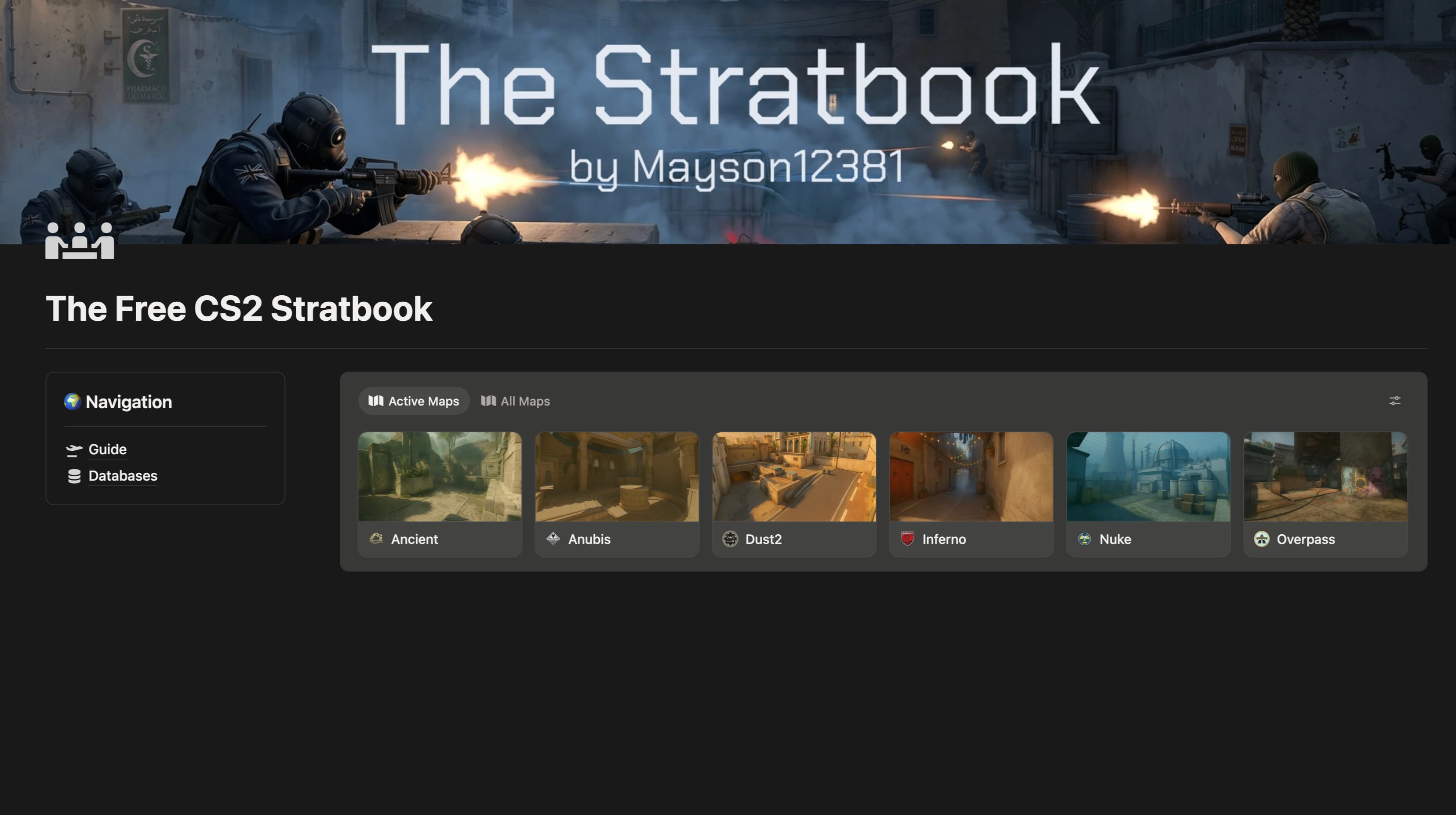
A free, structured stratbook for competitive Counter-Strike 2 teams.
This is a real, ready-to-use stratbook that gives your team one organized home for every strategy across your entire map pool.
Free · yours forever
// WHAT'S INCLUDED
Highlighted Features
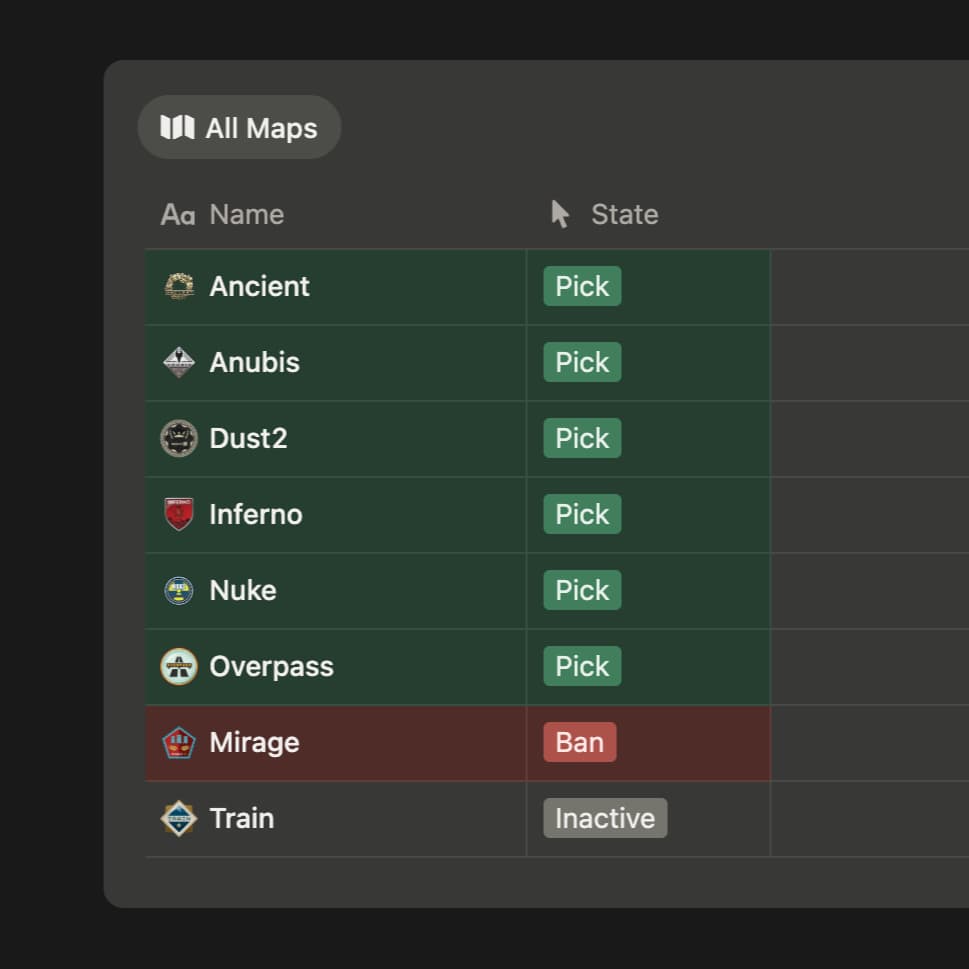
Pick. Ban. Done.
One toggle hides every map you're not playing.
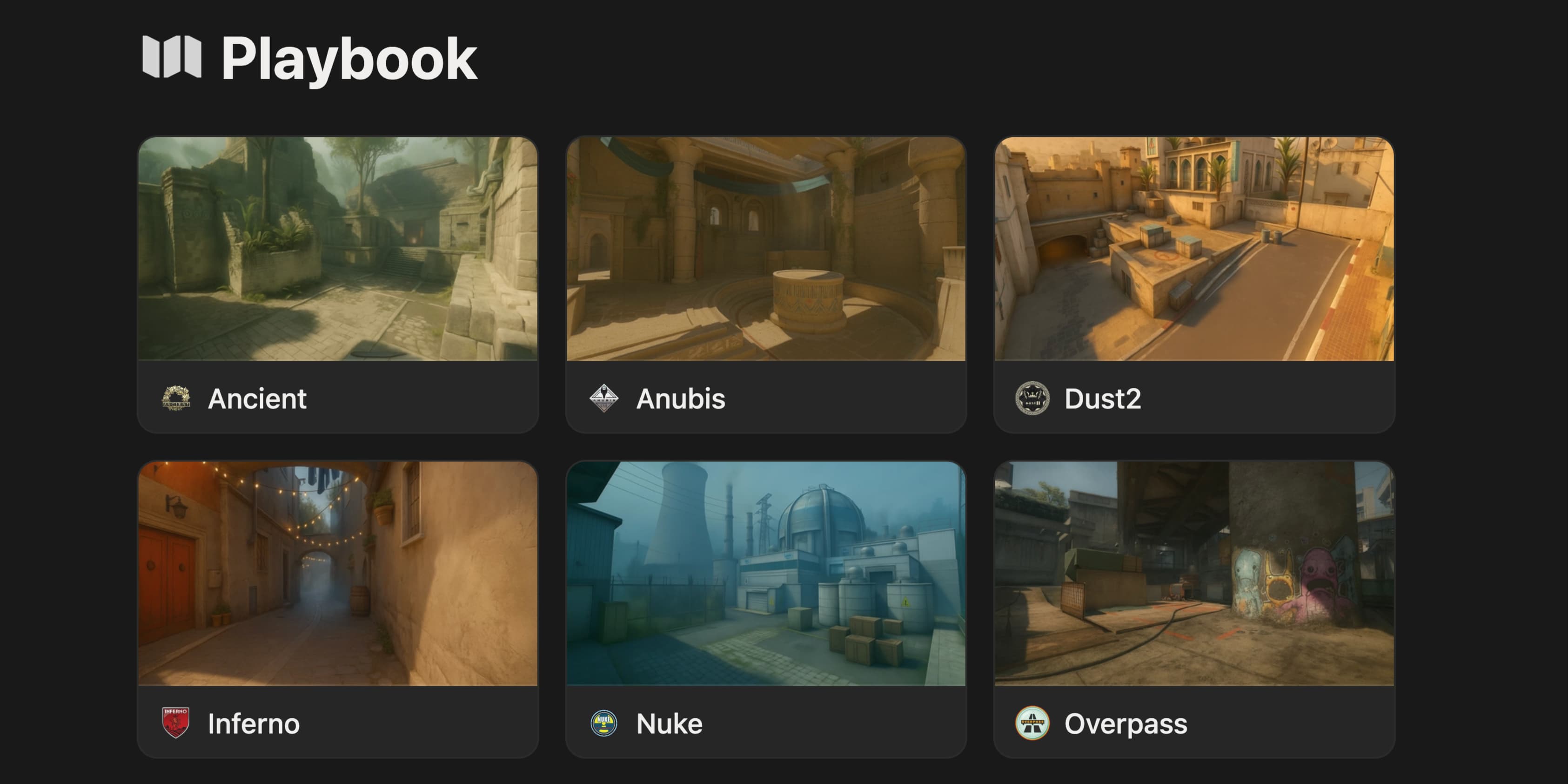
One playbook. Every map.
Strats for T and CT side. All in one place.
// LOADOUT
Everything In This Template
The Core2 features
- Map Playbook
- Stratbook
Workflow1 feature
- Quick Actions
Onboarding2 features
- Color-Coded Info Boxes
- Map Templates
The Core
- Map Playbook
- Stratbook
Workflow
- Quick Actions
Onboarding
- Color-Coded Info Boxes
- Map Templates
// FAQ
Frequently Asked
Is there a free version or trial?
Yes. The Free Stratbook is our free template. It covers every map in your pool with a basic stratbook, stripped down to the essentials. It's the easiest way to try the workflow and see if Notion fits your team.
Do I need a paid Notion plan?
No. Mayson's templates run on Notion's free plan.
Can I share with my team?
Yes. Once the template is duplicated into your workspace, invite teammates like any other Notion page. View, comment, or edit access. There's no per-seat license; one purchase covers your roster.
What if I already use Notion?
Even better. Duplicate the template into your existing workspace in one click. It lives alongside everything else and uses the same accounts, mentions, and notifications you already rely on.
How is this different from a Google Sheet?
Spreadsheets handle numbers. They don't handle players, scrims, demos, VOD timestamps, drills, and decisions linked together. Our templates connect rosters to matches, matches to strats, strats to maps, so you stop pasting between tabs.
Will it work for Valorant or League of Legends?
The templates are built around CS2 maps, economy, utility, callouts. The workflow patterns (roster, scrim review, practice planning) translate, but match-specific fields won't. Tell us which game you want next and we'll ping you when it ships.
What happens after I click buy?
You check out on the official Notion Marketplace, Notion's own template store. After payment, you duplicate the template into your Notion workspace with one click, and it's yours forever. If a promo code is running, enter it at checkout.
What's the refund process?
14 days, no questions asked. Start your refund through Notion's Marketplace. That's it.
Can I customize the template?
Yes. Once it's in your workspace, it's a regular Notion page tree. Add properties, hide views, rename fields, plug in your own integrations. We give you the foundation. Bend it to your team.
Still have a question?
Contact